 Rosina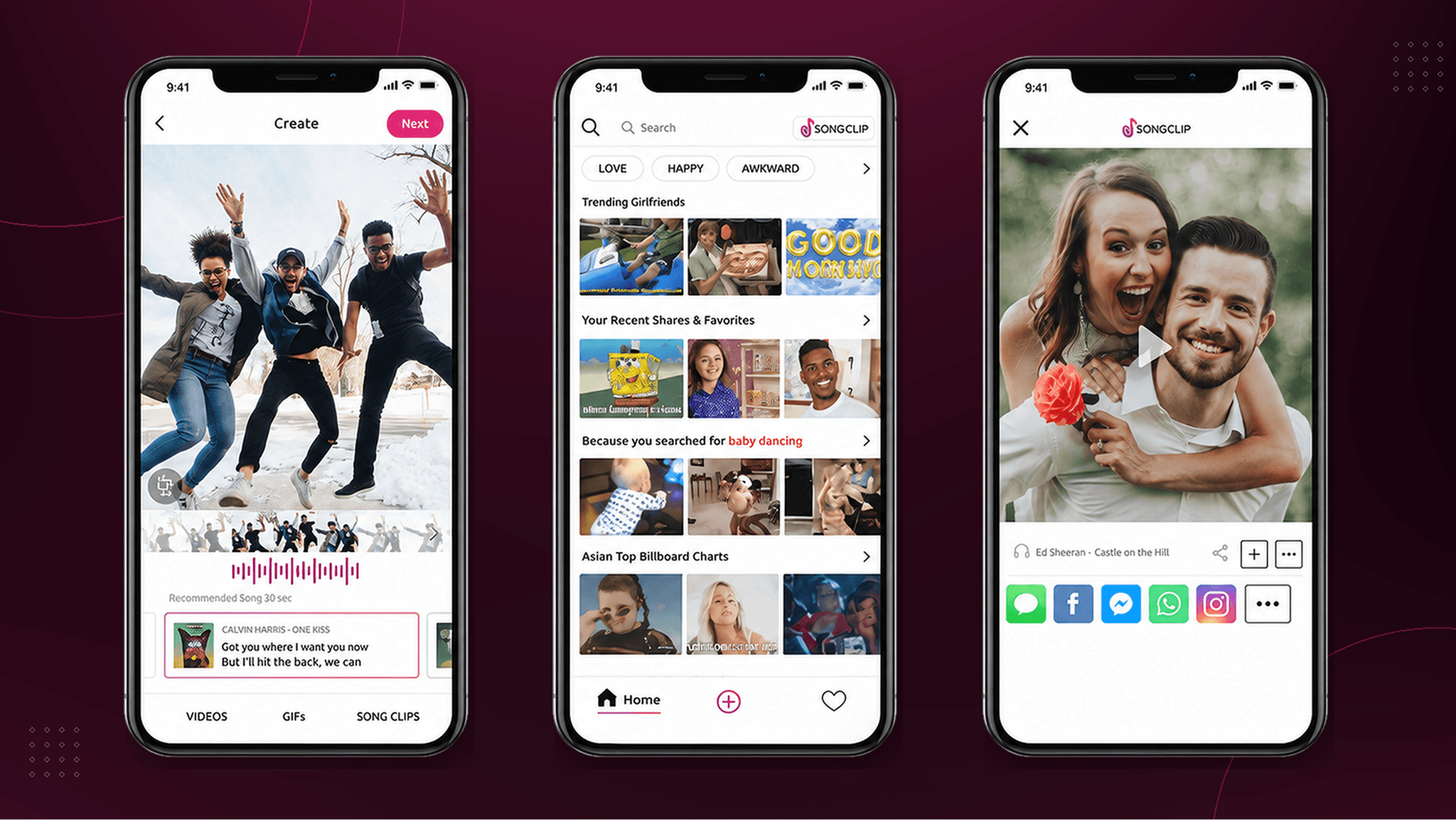
Find a clip. Make it your own. Share it.
Explore four original interaction recordings.
Finding a clip interrupted the moment
People wanted a clip that expressed a feeling or fitted an image or video. Having millions of licensed clips available was only useful if they could find one that suited the moment.
Some arrived with a song in mind. Others needed to explore and compare. The interface had to support both, while keeping the visual they were creating close at hand.
Some people knew the song. Others knew the feeling.
I ran two rounds of remote usability testing with eight participants who regularly shared music or short-form content.
Participants searched by title or artist when they knew what they wanted. When they only had a mood or occasion in mind, they browsed. Both behaviours needed a clear starting point.
Previewing introduced a second interruption. Opening a separate screen slowed comparison and made people lose their place in the results.
Search or browse. Preview in place. Keep sharing close.
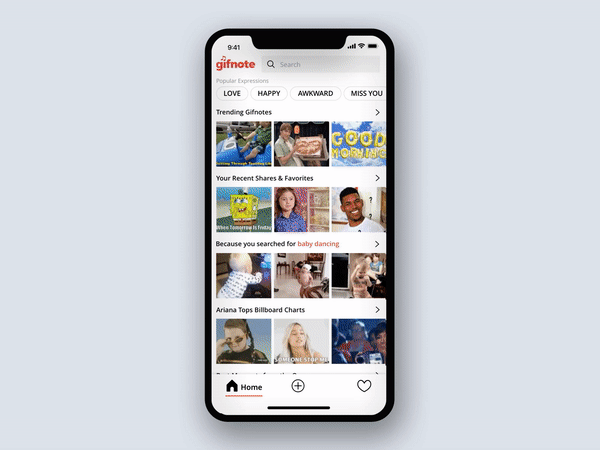
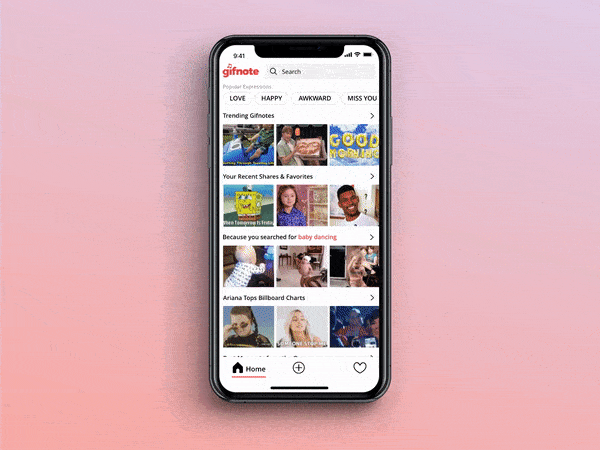
The library’s tags made it possible to organise clips by mood, genre and theme. I paired prominent search with curated categories so people could start with a song name or explore a feeling.
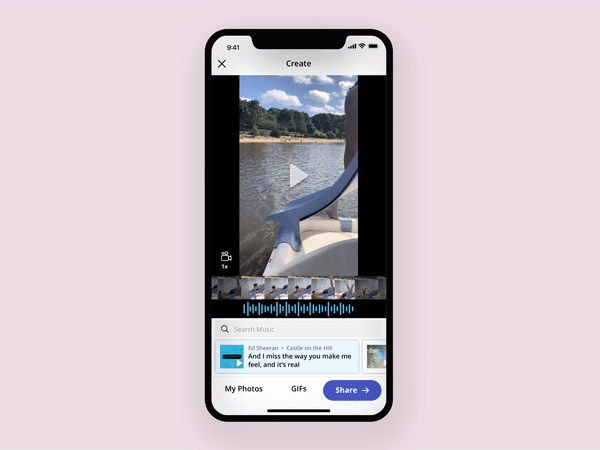
Previews stayed within discovery, so people could compare clips without losing their place. Keeping the chosen visual alongside the music options helped them judge the combination before sharing it.
Make room to compare and change direction
Finding a result didn’t mean someone was ready to share it. They still needed to compare clips and choose what fitted.
The designs kept music search and alternative clips beside the selected visual. Someone could try another track without rebuilding what they had already chosen.
Recent shares and favourites also offered a way back to something familiar, alongside search and discovery.
Carry the pattern into the places people already shared
Songclip also offered its licensed library through an API, allowing other companies to add music to their own apps. The consumer app and partner integrations therefore shared the same challenge: helping people find a useful clip in the middle of another activity.
The iOS experience established the core interaction patterns. I later adapted them for a responsive web app, giving desktop and non-iOS users access to the same discovery and sharing journey.
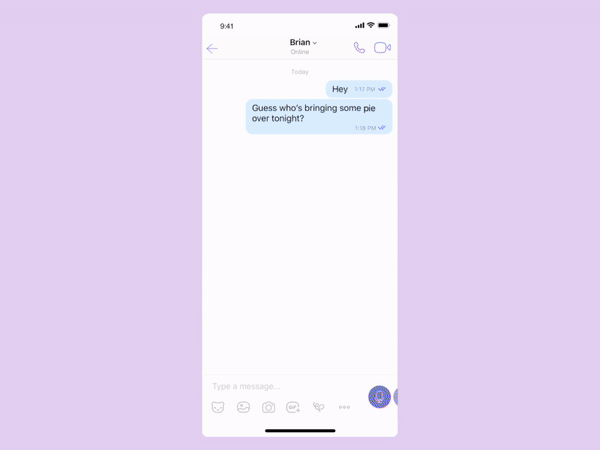
For Viber, I worked with product, engineering and the partner team to fit Songclip inside a conversation. People could open the library, find and preview a clip, then insert it into a message.
For the engineering behind the platform, see STRV’s Songclip case study (opens in a new tab).
A faster path from finding to sharing
Participants completed the same find, preview and share task in the previous experience and the redesigned prototype. Median completion time fell by roughly 21% in comparative usability testing.
- 21%
- Lower median task time. Measured in comparative usability testing of the core journey.
- iOS
- App Store recognition. The iOS app was featured in the App Store.